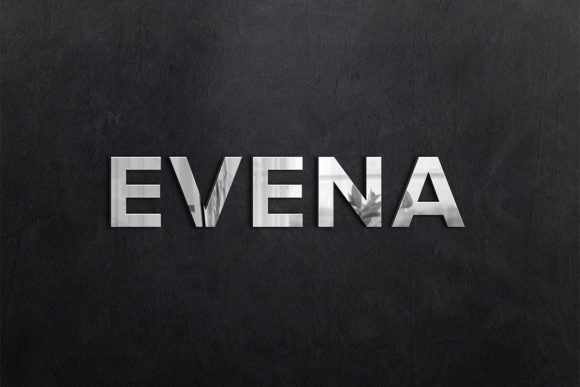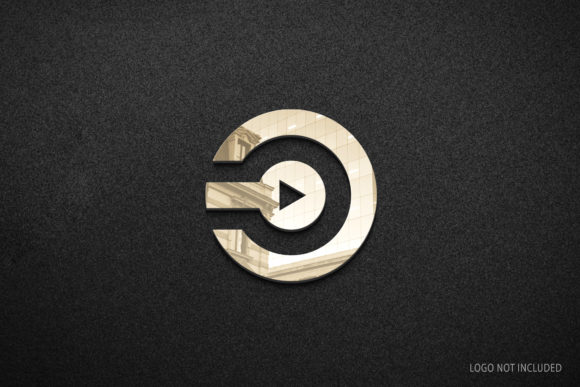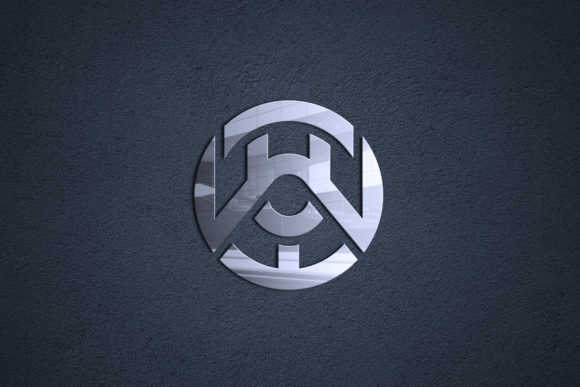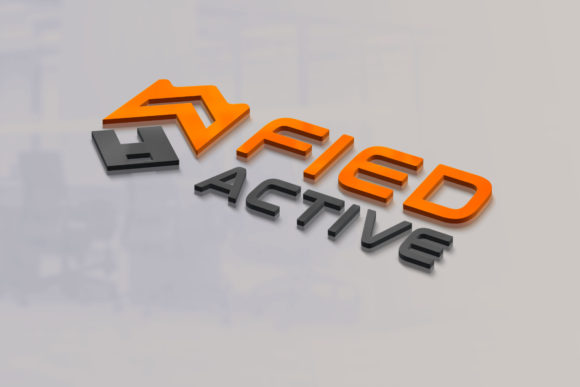
Modern 3D Logo Mockup Design
When you invest time in developing a logo, you want to see how it will actually appear in the real world—not just on a flat white screen. That is where modern 3D logo mockup design becomes a practical tool for anyone building a brand. Instead of guessing how your mark will look on a storefront, a product package, or a digital interface, a well-crafted 3D mockup brings your concept to life with depth, lighting, and context. For professionals, creators, and business owners alike, this approach transforms an abstract idea into something tangible before you commit to production.
Why a 3D mockup changes how you evaluate your logo
A flat vector file tells you about proportions and color, but it does not tell you how your logo behaves under different lighting conditions or on curved surfaces. Modern 3D logo mockup design simulates those real-world variables. You can see shadows, reflections, and how the logo interacts with materials like glass, metal, fabric, or paper. This level of visual feedback helps you catch issues early—perhaps a thin line disappears when rendered in 3D, or a color shifts under warm lighting. By evaluating your logo in a simulated environment, you avoid costly revisions after printing or manufacturing.
For a small business owner launching a product line, this means fewer surprises. For a freelancer presenting to a client, it means showing a polished vision that feels finished and professional. The mockup becomes a decision-making tool, not just a decorative preview.
Strengthening communication with clients and stakeholders
If you have ever tried to explain a logo concept using only flat files, you know how easily a client can misinterpret your intent. A modern 3D logo mockup design bridges that gap. When a client sees their logo wrapped around a coffee cup, embossed on a leather notebook, or glowing on a digital screen, they understand scale, texture, and presence in a way that static images cannot convey.
Marketers pitching a brand refresh can use these mockups to illustrate how the new identity will look across multiple touchpoints without producing physical samples. Educators teaching design principles can show students how lighting and material choice affect brand perception. In any collaborative setting, the 3D mockup reduces back-and-forth by giving everyone a shared visual reference. Misunderstandings decrease, approval cycles shorten, and the final outcome more closely matches the original vision.
Practical benefits for creative professionals and entrepreneurs
Modern 3D logo mockup design does more than improve aesthetics—it supports practical workflows. When you need to test a logo on multiple products, you can adjust materials, angles, and backgrounds in minutes rather than setting up photoshoots or ordering prototypes. This efficiency is especially valuable for freelancers juggling tight deadlines or small teams with limited budgets.
- Faster iteration: Swap colors, textures, or lighting scenarios instantly to compare options side by side.
- Lower production risk: Validate how a logo will appear on merchandise, signage, or packaging before placing bulk orders.
- Portfolio versatility: Showcase your work in realistic contexts that impress potential clients or employers.
- Consistent branding: Ensure your logo maintains legibility and impact across different media and scales.
Consider a blogger launching a line of branded merchandise. Without a 3D mockup, they might order samples of t-shirts, mugs, and stickers only to find that the logo looks too small on the mug or distorts on the shirt fabric. With a modern 3D logo mockup design, they can preview each item digitally, adjust the logo placement and size, and order with confidence. The money saved on rejected samples often far exceeds the time spent creating the mockup.
Supporting creativity without overcommitting
Creativity thrives when you can experiment freely. Modern 3D logo mockup design encourages exploration because it lowers the cost of trying something new. You can test an unconventional color combination on a textured surface, or see how a gradient behaves on a cylindrical bottle, without needing to produce a physical prototype. If the idea does not work, you simply adjust the digital file and try again.
This freedom is especially useful for hobbyists and independent creators who may not have access to professional printing or fabrication equipment. A 3D mockup acts as a sandbox where you can refine your vision before investing in production. It also helps you build a stronger brand identity by revealing which design choices hold up under realistic conditions and which ones lose their appeal when given depth and form.
Who benefits most from this approach
While nearly anyone working with logos can gain value from 3D mockups, certain groups find them particularly useful. Small business owners who sell physical products benefit directly because they can make informed decisions about packaging and merchandise. Freelance designers and agencies use mockups to deliver polished presentations that justify their rates and win repeat business. Marketers and publishers who need to visualize a brand across campaigns can align their teams around a consistent look.
Entrepreneurs preparing pitch decks also have an advantage. A slide that shows a logo in a realistic 3D setting communicates professionalism and attention to detail. It tells investors and partners that the brand has been thoughtfully developed, not just thrown together. Similarly, educators teaching branding or graphic design can use mockups to demonstrate principles like materiality, lighting, and spatial awareness in a way that lectures alone cannot achieve.
Limitations and fit considerations
Modern 3D logo mockup design is not a magic solution for every situation. If your logo will only ever appear in digital spaces like websites or social media, a flat vector may be sufficient, and the added complexity of 3D rendering might not be necessary. Additionally, some 3D mockup tools require a learning curve, especially if you are new to rendering software. For those who prefer a simpler workflow, pre-made mockup templates can offer a middle ground—they provide realistic scenes without requiring advanced skills.
Another consideration is time versus return. Creating a custom 3D scene from scratch can take hours, so it helps to prioritize which mockups will have the most impact. Start with the contexts that matter most to your brand: product packaging, signage, or digital interfaces. As you become more comfortable with the tools, you can expand into other applications. Comparing different mockup generators and software options can also help you find a solution that fits your budget and skill level.
Practical recommendations for getting started
If you are new to modern 3D logo mockup design, begin with a clear goal. Identify the physical items or environments where your logo will most often appear. Then choose a mockup tool that aligns with your technical comfort. Many user-friendly options offer drag-and-drop interfaces and pre-built scenes, making it possible to produce realistic results without mastering complex rendering engines.
- Start with templates: Pre-made mockup scenes for apparel, packaging, and signage allow you to focus on your logo rather than scene construction.
- Pay attention to lighting: Good lighting makes even a simple logo look polished. Experiment with soft versus hard light to see which flatters your design.
- Test multiple materials: Your logo may look different on matte paper than on glossy plastic. Render it on several surfaces to ensure versatility.
- Consider scale and proportion: A logo that works beautifully on a business card may feel overwhelming on a billboard. Use mockups to verify readability at different sizes.
- Gather feedback: Share your mockups with colleagues or clients before finalizing. The realistic context often sparks more specific and useful feedback than flat proofs.
As you gain experience, you can move toward custom scenes that reflect your brand’s unique environment. The goal is not to create hyper-realistic renders every time, but to use 3D mockups as a practical step in your design process that saves time, reduces risk, and improves the final outcome.
Thoughtful observations on the evolving role of mockups
Modern 3D logo mockup design sits at the intersection of branding and technology. As rendering tools become more accessible, the gap between digital design and physical production continues to narrow. This shift empowers smaller players—freelancers, startups, and independent creators—to produce visual assets that once required a full production team. The ability to preview a logo in 3D before committing resources is no longer a luxury reserved for large agencies; it is a practical capability available to anyone willing to learn the basics.
That said, the mockup is still a simulation. Real materials and lighting will always introduce variables that a digital render cannot fully predict. Use mockups as a guide, not a guarantee. When high-stakes production is involved, ordering a single physical sample remains a wise final check. But for the hundreds of smaller decisions that happen along the way—choosing a packaging finish, deciding between embossing or printing, selecting a background color—a modern 3D logo mockup design provides clarity that speeds up the process and improves the result.
Whether you are a seasoned professional or just beginning your branding journey, integrating 3D mockups into your workflow can lead to smarter decisions, stronger presentations, and a more confident brand identity. The key is to use them purposefully, focusing on the contexts that matter most to your audience and your goals.