The Real Impact of 3D Logo Mockup Design on Brand Perception
When you hear the term 3D logo mockup design, it is easy to assume it only matters to product packaging teams or high-end advertising studios. That assumption misses the bigger picture. A logo that exists only in flat form tells a limited story. In reality, a logo exists everywhere—on signage, on merchandise, on screens, and in physical spaces. That is where 3D logo mockup design becomes essential. It bridges the gap between a vector file on your desktop and the tangible world your audience interacts with.
The shift from static logo presentations to dimensional mockups is not just a trend. It reflects how people actually encounter brands. A three-dimensional representation gives you a preview of weight, material, lighting, and scale. Without that, you are essentially guessing how your brand mark will feel in context. And in a crowded marketplace, guessing is a risk most businesses cannot afford.
Why Dimensional Thinking Changes Everything
Most designers start with a flat canvas. You arrange shapes, choose colors, and tweak spacing until the proportions feel right. That workflow is fine for initial exploration, but it leaves out a critical variable: depth. 3D logo mockup design forces you to think about how the logo occupies space. Suddenly, you are not just adjusting the curve of a letter—you are deciding whether that letter should sit slightly above the surface or be recessed into the material.
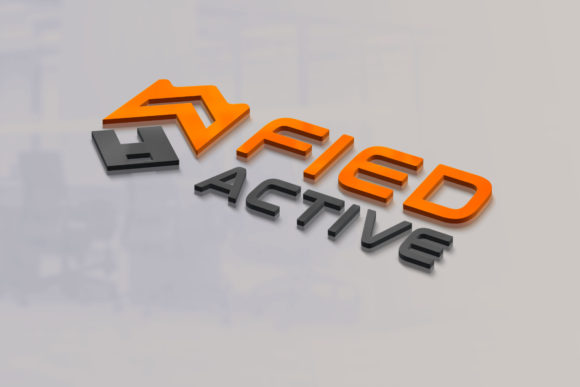
Consider how a logo behaves on a storefront sign versus a business card. In two dimensions, those are just different sizes. In three dimensions, the sign has thickness, the card has paper texture, and the logo has to work with shadows, reflections, and viewing angles. A mockup that simulates these conditions reveals problems that would otherwise remain hidden until the print run is already done. That alone saves time, money, and frustration.
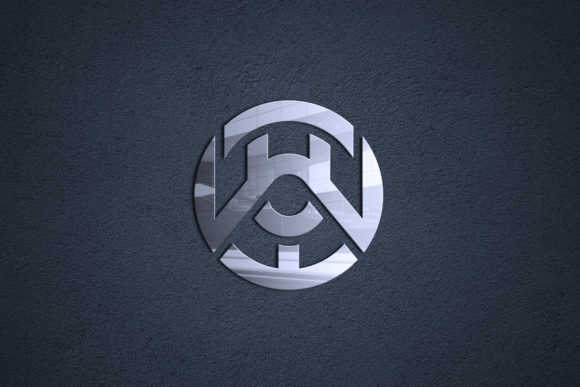
Beyond practical corrections, dimensional mockups also shape emotional response. A logo that appears glossy and reflective communicates sophistication. A matte, embossed logo feels understated and durable. These are not just aesthetic choices—they are brand signals that customers pick up on almost instantly. By exploring 3D logo mockup design before finalizing your mark, you gain control over those signals.
Tools and Approaches That Actually Work
The technical side of 3D logo mockup design has become more accessible than many people realize. You do not need a dedicated 3D modeling workstation or years of experience in Blender or Cinema 4D. Smart object layers in Photoshop, coupled with high-quality PSD mockup templates, allow you to drop your flat logo into a pre-built 3D scene and adjust lighting, angle, and material with sliders. For designers who want more control, vector extrusion tools in Adobe Illustrator or Affinity Designer can create basic depth without leaving the vector environment.
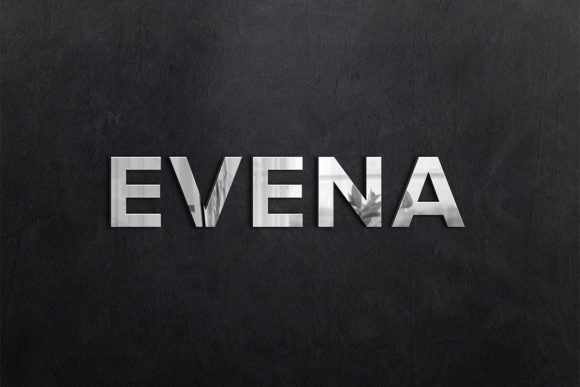
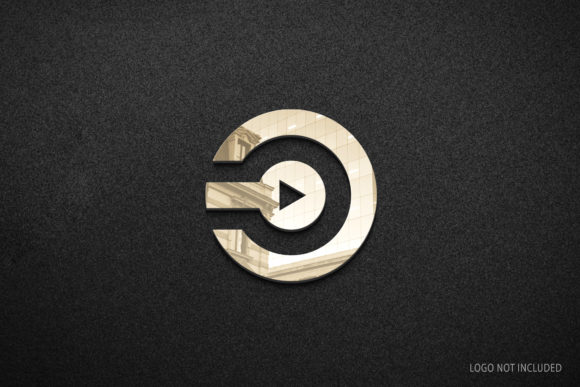
If you are aiming for photorealism, dedicated 3D software gives you the freedom to build custom environments. You can create a mockup of a neon sign mounted on brick, a laser-engraved metal plate, or a soft fabric patch. Each material behaves differently under light, and that behavior becomes part of how people perceive your brand. Leather feels warm and organic. Brushed aluminum feels modern and precise. Translucent acrylic feels futuristic. The mockup captures those nuances.
For teams working remotely or across disciplines, mockup generators and web-based tools have also improved. You can upload your logo, select a scene, and generate multiple renderings in minutes. These are not always as customizable as a manual approach, but they are excellent for rapid iteration when you need to compare several logo variations in realistic settings before committing to one direction.
Practical Benefits That Go Beyond the Visual
The most immediate benefit of using 3D logo mockup design is client communication. If you have ever presented a flat logo to a client only to have them ask, "But what will it look like on the building?" you already know the pain. A mockup answers that question before it is asked. It reduces back-and-forth revisions and builds confidence in the design direction.
Internal decision-making improves as well. Teams often debate minor details like the thickness of a stroke or the position of an element relative to the edge. In a flat mockup, those arguments can drag on because the differences feel abstract. In a 3D mockup, the same detail becomes visually obvious. One version casts a certain shadow or catches light in a way that makes it feel more prominent. The debate settles faster because the evidence is right there.
There is also a strategic benefit for marketing and sales teams. A high-quality 3D mockup of a logo on a product or sign can be used in pitch decks, investor presentations, and early promotional materials before the physical product exists. This is especially valuable for startups and crowdfunding campaigns, where visual credibility directly affects funding and early adoption.
Consider a scenario where you are launching a new beverage brand. The logo needs to appear on cans, bottles, and coolers. A 3D logo mockup design that shows the can on a table, with condensation forming and light reflecting off the surface, tells a story that a flat logo never could. It invites the viewer to imagine holding that can. That subtle shift—from seeing a design to imagining an experience—is where mockups earn their real value.
Common Pitfalls and How to Avoid Them
Despite the advantages, there are traps that even experienced designers fall into with 3D logo mockup design. The most common is overcomplicating the scene. A mockup that surrounds the logo with dramatic lighting, extreme textures, and busy backgrounds can distort how the logo actually reads. Viewers end up admiring the scene rather than evaluating the logo. Keep the environment simple enough that the mark remains the focal point, but rich enough that it feels grounded in reality.
Another frequent mistake is ignoring scale. A logo mockup presented on a massive billboard may look striking, but that same logo on a pen or a phone case might become illegible. Always create mockups at multiple scales and review each one carefully. If a detail disappears at the smaller size, you need to reconsider the design before production.
Material choice also deserves careful attention. Many default mockup templates use generic plastic or paper textures that do not match the actual materials your brand will use. If your logo will be debossed on leather, find or create a mockup that simulates leather's grain, color depth, and soft shadow. Inaccurate material representation can mislead decisions and create disappointment when the real product arrives.
Finally, watch out for resolution issues. 3D logo mockup design often involves rendering at high resolution, but if your source logo is a low-quality export, the final result will look blurry or pixelated. Always start with a vector file or a very high-resolution raster version to preserve sharp edges and fine details in the final mockup.
Integrating Mockups into Your Design Workflow
Adopting 3D logo mockup design does not mean redoing your entire process. It fits naturally between the refinement stage and the final delivery. After you have settled on a logo direction in 2D, move into mockups. Test the logo on three to five different surfaces or contexts that matter to your brand. If the brand is digital-first, test it on screens, app icons, and website headers. If the brand is physical, test it on packaging, signage, and merchandise.
Document the results. Keep a library of mockups that show each logo variation in its intended environment. That library becomes a reference point for future projects and helps newer team members understand the design rationale. It also provides a historical record of why decisions were made, which is valuable when rebranding efforts arise years later.
For agencies and freelancers, offering mockups as part of the standard presentation package is a differentiator. Clients compare not just logos, but the vision behind them. A presentation that includes 3D logo mockup design images shows that you have thought about implementation, not just aesthetics. That level of thinking tends to justify higher project fees and longer client relationships.
What to Look for When Choosing a Mockup Style
Not every brand needs hyper-realistic renderings. Sometimes a clean, stylized mockup that suggests depth without photorealism is a better match for the brand's identity. For example, a minimalist tech brand might prefer mockups that use subtle shadows and clean gradients rather than gritty textures. A luxury brand, on the other hand, might need mockups that simulate foil stamping on cotton paper or embossing on heavyweight stock.
Matching the mockup style to the brand voice matters. If your logo is playful and colorful, place it in a scene with natural lighting and casual surroundings. If your logo is serious and corporate, use controlled studio lighting and neutral backgrounds. The mockup amplifies the brand's personality—use that amplification intentionally.
Also consider the audience. Mockups for internal stakeholders can be rougher and more experimental, while mockups for client presentations or public-facing materials need polish. Build your mockup process with this distinction in mind rather than treating every mockup as a finished piece.
Thinking Ahead to Production Realities
3D logo mockup design is not only a presentation tool. It is also a production preflight. When you see your logo rendered on a curved bottle or a textured bag, you can anticipate registration issues, color shifts, and material limitations. You can communicate more clearly with manufacturers because you have visual references that describe exactly what you want.
That communication saves money. Physical prototypes are expensive and slow. Digital mockups cost almost nothing to adjust. Each round of mockup refinement reduces the likelihood of costly rework during the production phase. For small businesses and independent creators with limited budgets, this is one of the highest-ROI activities in the entire design process.
As production technologies evolve, mockups also help you take advantage of new capabilities. If your manufacturer offers embossing, debossing, foil stamping, or UV spot coating, a 3D logo mockup design lets you test those finishes virtually. You can compare a matte logo with a gloss logo on the same surface and decide which treatment delivers the stronger brand impact—all before ordering a single unit.
The goal is not perfection in every mockup. The goal is clarity. When you understand how your logo behaves in space, on materials, and under light, you make better decisions. Those decisions lead to branding that feels intentional, professional, and memorable. And in an environment where first impressions happen faster than ever, that kind of clarity is exactly what your brand needs.