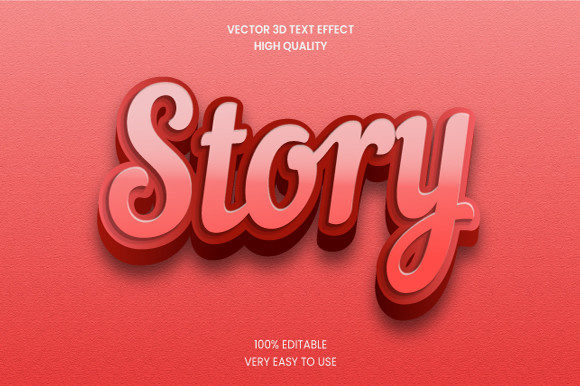
Story 3D Text Effect Mockup Graphic – More Than Just Fancy Letters
You know that moment when you’re scrolling through your feed or browsing a website, and something makes you stop. It’s not always the photo. Sometimes it’s the way a word seems to pop right off the screen, as if it’s sitting in the same room as you. That’s the kind of pull a Story 3D Text Effect Mockup Graphic can create. It’s not simply text with a drop shadow. It’s a dimensional element that feels part of the scene, blending typography with environment in a way that flat text just can’t match.
What Exactly Is a Story 3D Text Effect Mockup Graphic?
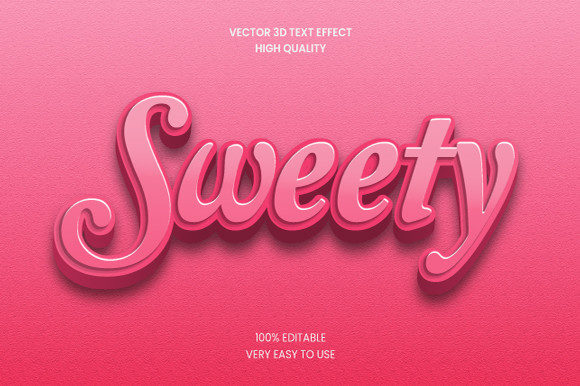
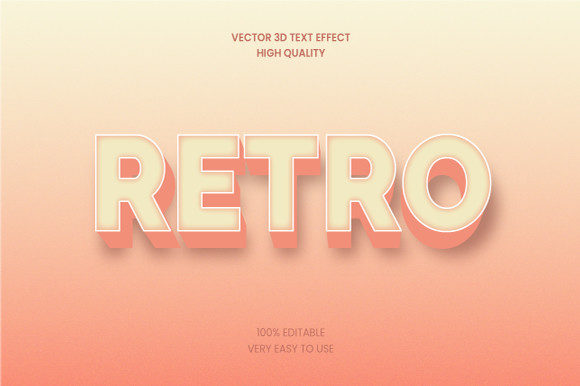
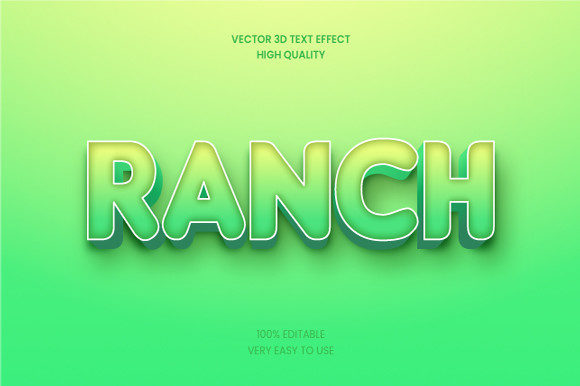
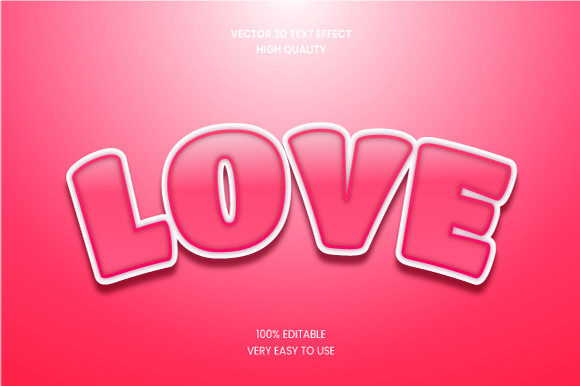
Let’s unpack it without overcomplicating things. A story 3D text effect mockup graphic is a pre‑built design file—often a PSD, PNG, or smart object—where the text already has a three‑dimensional look, complete with lighting, shadows, reflections, and sometimes even textures like metal, glass, or neon. The “story” part refers to its natural fit for narrative imagery: a background that suggests a mood (sundown, city street, cozy coffee shop) and 3D lettering that sits right inside that scene. You drop in your own words, adjust a few layers, and you’ve got a piece of visual storytelling that looks painstakingly custom.
These mockups are especially popular because they remove the heavy lifting. Instead of modeling 3D text from scratch in a professional app, you get a plug‑and‑play solution that still looks polished. It’s a shortcut that doesn’t look like a shortcut.
How Different Creators Put It to Work
The real strength of a story 3D text effect mockup graphic shows up when you think about who’s actually using it and why. Here are some scenarios I’ve seen play out again and again.
Social Media Content Creators
Imagine you’re running an Instagram account for a lifestyle brand. Every post has to compete for a split second of attention. A flat quote on a pretty background works fine, but a thick, beveled headline that looks like it’s hovering above a marble table or a rainy window? That stops the scroll. Creators working on Stories, Reels, and TikTok thumbnails know that depth signals quality. A 3D mockup turns a simple “new launch” announcement into something that feels like a reveal.
Small Business Owners
Businesses that don’t have a dedicated design team often struggle to make their flyers, sale banners, or email headers look professional. A story 3D text effect mockup graphic gives them a template where the most eye‑catching part—the headline—already looks expensive. I’ve seen a bakery use one to announce a weekend pop‑up, the words “Fresh Croissants” extruded in a warm, golden gradient that matched the lighting of the photo behind it. It didn’t feel like a template. It felt like a menu you’d frame.
Event Planners and Wedding Coordinators
Save‑the‑dates, invitations, and event posters benefit hugely from dimensional text. A flat font on a card is standard; a 3D word like “Celebrate” that casts a real shadow across a textured paper background tells guests this isn’t going to be a dull affair. I’ve worked with planners who use these mockups for corporate galas and charity runs alike. The 3D effect adds weight—literally and figuratively—to the message.
Educators and Online Coaches
Course creators and webinar hosts need thumbnails and slide covers that communicate authority and energy. A title like “Master Your Habits” in a 3D metallic finish instantly looks more substantial than the same words in a sans‑serif. The mockup does some of the persuasive work before the viewer even reads the full sentence.
Freelance Designers and Brand Strategists
Even seasoned designers keep a folder of story 3D text mockups. Why? Because they speed up client presentations. Instead of showing a flat logo on a white background, they drop it into a 3D mockup that suggests a billboard, a storefront sign, or a neon window display. It helps clients visualize the brand in the real world, which reduces revision cycles. The mockup becomes a persuasion tool, not just a decoration.
The Real Appeal – Why It Works for Visual Storytelling
It’s easy to think of 3D text as a gimmick, but the popularity of story 3D text effect mockup graphics comes from something deeper. Our brains are wired to notice depth. When we see a word that appears to have thickness and shadow, we treat it more like an object than a message. That shift matters. It makes the text feel tangible, as if you could reach out and touch it. In a world saturated with flat digital content, that tiny illusion of reality earns a second glance.
I’ve also noticed that the best mockups don’t just add depth—they match the atmosphere of the image. A beach scene with soft golden light will use a warm, matte 3D effect, while a grunge city alley calls for sharp edges and metallic reflections. The mockup becomes part of the story’s mood, not an overlay. That coherence is what separates an amateur post from a pro one.
Choosing the Right Story 3D Text Mockup for Your Project
Before you grab the first flashy 3D text mockup you see, there are a few practical things to consider. These aren’t deal‑breakers, but they can save you time and frustration.
- Readability vs. style. Some 3D effects are heavily stylized—glowing neon, shattered glass, rough stone. That kind of look is perfect for a party invite or a gaming channel, but it can clash with a serious business announcement. Ask yourself: does the effect make the text harder to read? If yes, save it for purely decorative use.
- Background compatibility. A mockup designed for a dark, moody scene won’t behave the same on a bright, airy image. Many good mockups offer separate layers for shadow and reflection, so you can adjust them. Check whether the file gives you that flexibility.
- File format and editability. Most professional story 3D text mockups come as layered PSD files with smart object layers. That means you can double‑click, paste your own text, and save. But some cheaper or free mockups are flattened PNGs—you can only overlay them, not change the words. Know which you’re getting.
- License restrictions. If you’re using the mockup for commercial work (like a client’s website or a product label), make sure the license permits that. Many free resources are for personal use only.
When It Doesn’t Work – Limitations to Keep in Mind
No tool is perfect, and story 3D text effect mockup graphics have their weak spots. Being aware of them helps you avoid mismatched results.
Overused effects can feel dated. The same mockup that felt cutting‑edge two years ago might now remind viewers of early 2010s social media graphics. Trends in 3D typography move quickly. Try to choose mockups with clean, modern lighting rather than extreme bevels or lens flares.
Not suitable for body text. A 3D effect is powerful in small doses—a headline, a single word, a short phrase. When you try to apply it to a paragraph, it becomes cluttered and exhausting to read. Use it as a hero element, not as all your copy.
File size can bloat. High‑resolution 3D mockups with multiple layers and effects can be heavy. If you’re building a website, loading time matters. Optimize or use a simpler version for digital use, then save the full‑resolution file for print.
You still need a little design sense. A mockup does the heavy lifting, but it won’t magically fix poor composition. If the background is cluttered or the color palette clashes, even the best 3D text will look out of place. Trust your eyes, and test the mockup on different backgrounds before committing.
Finding Your First Story 3D Text Mockup
If you’re ready to try one, you’ll find story 3D text effect mockup graphics on most design marketplaces. Sites like Creative Market, Envato Elements, and even some free resources on Behance have hundreds of options. Look for ones that include preview images showing the mockup used in a realistic scene—that’s a good indicator of how it will behave with your own photos.
A tip I’ve picked up: search for a mood first, then a format. Instead of “3D text mockup,” try phrases like “neon sign mockup” or “metallic letter mockup” or “cinematic title mockup.” That narrows the results to mockups that come with a built‑in story, which is exactly what you want.
Once you download one, open it and play. Most smart‑object mockups require only a simple text swap. Save a copy, experiment with the layer effects, and see how the light changes when you shift the text. The best way to understand the potential of a story 3D text effect mockup graphic is to use it on a real project—maybe something small, like a birthday post or a website hero banner. Let it show you what it can do.
In the end, these mockups are a bridge between raw creativity and technical execution. They don’t replace your ideas; they give your ideas a physical presence that people actually pause to look at. And in today’s fast‑paced visual world, a moment of pause is the hardest thing to earn.