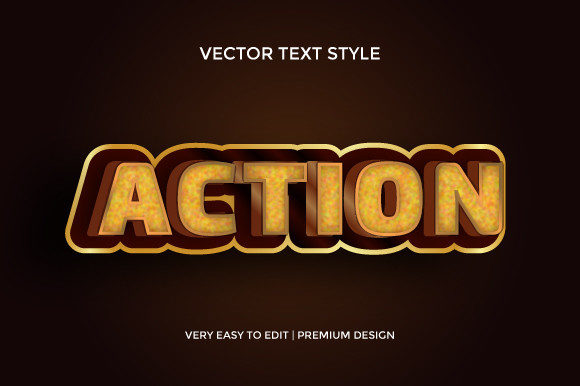
Vintage Action 3D Text Effect Design: Crafting Nostalgic Depth for Modern Projects
There is something magnetic about typography that looks like it has lived a full life. The chipped paint, the subtle extrusion, the way light falls across letters that seem to push themselves right out of the screen. Vintage Action 3D Text Effect Design captures exactly that feeling — a blend of retro character and dimensional depth that feels handcrafted yet precise. Designers have been leaning into this aesthetic for everything from product packaging to social media headers, and it is not hard to see why. The look carries emotion, history, and a tactile quality that flat typography rarely achieves.
This style is not merely about slapping a bevel onto some letters. It involves a deliberate interplay of shadows, highlights, textures, and often a worn or distressed finish. When executed well, the result is typography that commands attention without screaming for it. The vintage element brings warmth and familiarity, while the 3D aspect adds weight and presence. Together, they form a design approach that feels both timeless and refreshingly distinct in a digital landscape saturated with clean, minimal type.
What Defines the Vintage Action 3D Text Effect Aesthetic
To truly understand this design direction, it helps to break down the core components that give it such a distinctive look. The term "action" in this context refers to the use of Photoshop actions or similar automated processes that apply a series of layer styles, filters, and adjustments with a single click. These actions are particularly popular among designers who want to achieve a Vintage Action 3D Text Effect Design without spending hours manually tweaking every shadow and highlight.
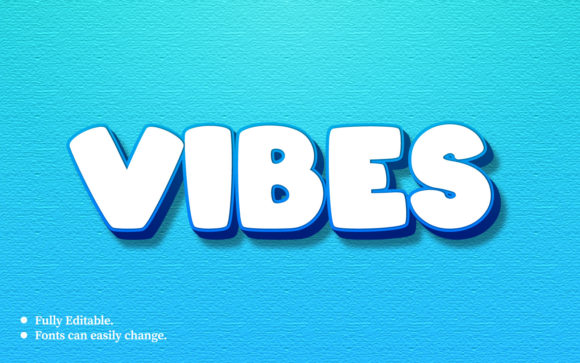
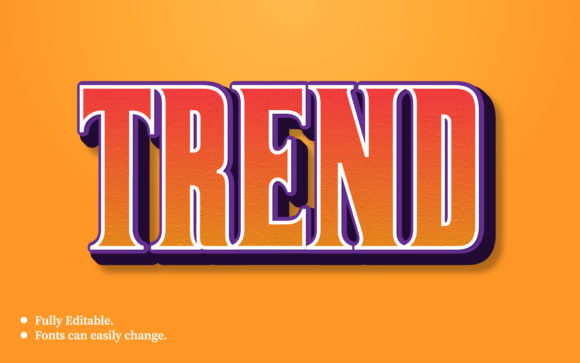
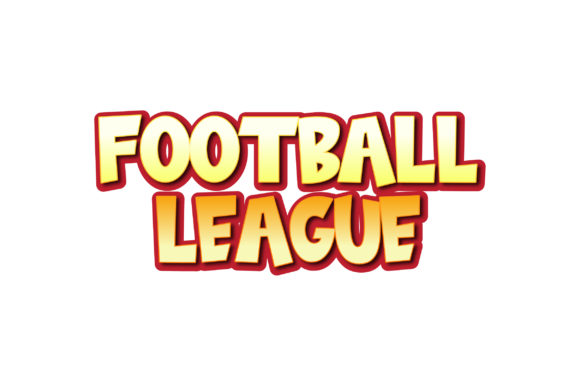
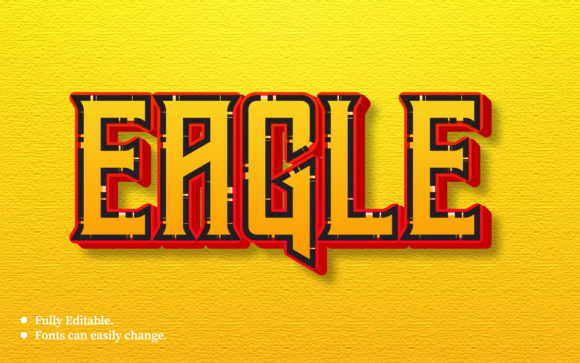
The visual characteristics typically include a pronounced extrusion that gives letters physical depth, often resembling carved wood, cast metal, or molded plastic from another era. Color palettes tend toward muted tones — amber, sepia, olive, rust, and faded navy — though bolder hues can work when balanced with aged textures. Surface details such as grain, scratches, and slight blurring around edges help sell the illusion that this text has endured decades of use.
The Role of Light and Shadow
Depth in this style relies heavily on how light interacts with the letterforms. Multiple shadow layers create the illusion of thickness, while highlight zones suggest a light source hitting the front and side faces of the text. The most convincing vintage 3D text uses subtle variations in opacity and blend modes, so the shadows do not look like a simple drop shadow but rather like a physical object casting light across its own surface. This is where the real artistry comes in. A well-crafted Vintage Action 3D Text Effect Design will have shadows that soften as they move away from the light source, mimicking real-world behavior.
Texture as a Storytelling Device
Texture does much of the heavy lifting in vintage 3D typography. Without it, the letters would look like shiny new plastic ornaments. With it, they become relics. Common texture treatments include paper grain, film grain, dust and scratches, rust overlays, and even subtle halftone patterns. These textures are often applied using blending modes such as Overlay, Soft Light, or Multiply, allowing the underlying 3D structure to remain intact while the surface feels worn. Designers frequently layer multiple textures, adjusting opacity and scale until the result looks organic rather than applied.
Where Vintage 3D Text Fits in Modern Workflows
It might seem counterintuitive to use an aged, dimensional text style in an era dominated by flat design and streamlined user interfaces. Yet Vintage Action 3D Text Effect Design has found a strong foothold in several specific contexts. Album covers for indie bands, posters for craft breweries, branding for artisanal coffee shops, and social media graphics for heritage-inspired apparel brands all lean heavily into this aesthetic. The contrast between the polished digital environment and the rough, textured typography creates visual tension that draws the eye.
Motion designers have also adopted this style, extruding vintage 3D text in After Effects or similar tools to create kinetic typography that feels grounded and substantial. When the text rotates or shifts perspective, the depth becomes even more apparent, making the letters feel like physical objects moving through space. This works exceptionally well for title sequences, event announcements, and product reveals where a sense of craftsmanship matters.
Integration with Brand Identity
Not every brand can pull off this look, but for those with a story rooted in tradition, authenticity, or nostalgia, it fits naturally. A brand selling handcrafted leather goods, for instance, can use Vintage Action 3D Text Effect Design to reinforce the handmade, time-honored quality of their products. The textured depth of the typography mirrors the texture of the leather itself. Similarly, a brewery that emphasizes old-world brewing methods can use this style to evoke the feeling of a century-old label found in a dusty cellar.
The key is restraint. Using the effect sparingly — perhaps for a hero headline or a logo lockup — prevents it from overwhelming the design. When every element on a page competes for attention with heavy textures and deep extrusions, the result is visual chaos. But when used as an accent, it becomes a signature element that defines the brand's visual voice.
Practical Benefits of Using Actions and Templates
One of the main reasons Vintage Action 3D Text Effect Design has become so accessible is the availability of high-quality Photoshop actions and layer style templates. These tools allow designers to achieve professional results in minutes rather than hours. An action can apply bevel and emboss settings, contour adjustments, texture overlays, shadow structures, and color grading all at once. This is especially valuable for freelancers and small agencies working on tight deadlines.
But there is a caveat. Relying entirely on pre-made actions without understanding the underlying settings can lead to generic results. The best designers use actions as a starting point, then customize the extrusion depth, light angle, texture intensity, and color palette to fit the specific project. This blend of efficiency and personalization is where the real value lies. A skilled designer can take a base action and transform it into something that looks entirely original.
Considerations for Print Versus Screen
Vintage 3D text behaves differently depending on the medium. On screen, the depth and texture need to be legible at various sizes, especially on mobile devices where small text can lose detail. For print, the requirements shift — resolution must be high enough to render fine grain and shadow transitions without pixelation. When preparing a Vintage Action 3D Text Effect Design for both mediums, it is wise to create separate versions optimized for each. The screen version might use slightly stronger contrast and softer shadows, while the print version can afford more subtle texture and finer highlight details.
Another practical consideration is file size. Multiple texture layers, smart objects, and adjustment layers can balloon a PSD file quickly. Keeping the workflow organized with layer groups and naming conventions saves time when revisiting the file later. Designers who frequently use this style often build their own library of custom textures and shadow presets, which streamlines future projects while maintaining a consistent visual language.
Common Challenges and How to Address Them
Even experienced designers encounter hurdles when working with vintage 3D typography. One frequent issue is the extrusion looking too artificial, almost like a cheap 1990s WordArt effect. The difference between a polished result and a dated one often comes down to subtlety in the bevel settings and the quality of the texture overlay. Rounded contours and soft highlights tend to age better than sharp, metallic edges.
Another challenge is maintaining readability. When letters have significant depth and texture, the front face can become crowded with visual information. Choosing a bold or extra-bold typeface helps, as does increasing tracking slightly to give each letter room to breathe. Sans-serif fonts with geometric proportions often work better than ornate scripts, though a well-chosen serif can add to the vintage feel if the letterforms are not too delicate. Testing the Vintage Action 3D Text Effect Design at small sizes early in the process prevents surprises later.
Lighting Consistency Across a Composition
If the 3D text exists within a larger scene, the light source on the text must match the light source in the background. A common mistake is applying a default action that lights the text from the top left while the background suggests light coming from the right. This breaks the illusion of realism immediately. Most quality actions allow the user to adjust the global light angle, and taking a few extra seconds to align it with the composition makes a significant difference.
Similarly, shadows cast by the text onto the background should follow the same perspective and light direction. Drop shadows and ground shadows are not the same thing — a ground shadow stretches away from the text base and softens as it moves, while a drop shadow follows the contour of the letters. Understanding this distinction is what separates a convincing 3D effect from one that looks tacked on.
Experimenting with Color and Wear Patterns
One of the most enjoyable aspects of Vintage Action 3D Text Effect Design is the freedom to experiment with color and aging. A single type treatment can take on entirely different personalities depending on whether it uses a faded denim blue, a distressed copper green, or a warm leather brown. Some designers create multiple color variations of the same effect and test them against the intended background before committing.
Wear patterns also offer room for creativity. Rather than applying a uniform texture across all letters, strategic wear — heavier at the edges, lighter in the centers — mimics how physical objects naturally degrade. This can be achieved by masking the texture layer with a soft brush or by using gradient masks that reveal more texture toward the letter boundaries. The result is typography that feels touched by time rather than artificially distressed.
For those looking to push the style further, combining vintage 3D text with other retro design elements — halftone patterns, misregistration effects, film burns, or retro color grading — creates cohesive compositions that feel plucked from a specific era. The key is ensuring all the elements share a consistent level of wear and the same lighting logic.
Building a Personal Workflow Around the Style
Over time, designers who work regularly with this aesthetic develop a personal workflow that balances speed with originality. It often starts with choosing the right typeface, then setting up the document with appropriate resolution and color space. Next comes the extrusion and bevel work, followed by shadow refinement, texture application, and finally color grading. Each step builds on the previous one, and small adjustments early in the process compound into significant improvements later.
Using layer comps to save different versions of the same design allows for quick comparison without cluttering the workspace. It also makes it easy to present options to clients without rebuilding the file each time. Documenting the settings that work well can serve as a reference for future projects, especially when revisiting a style after a long break.
The vintage 3D text niche is not going anywhere. As digital design continues to evolve, the appetite for tactile, character-rich typography only grows stronger. Whether you are designing a logo for a boutique brand, a poster for a live music event, or a social media asset that needs to stop the scroll, Vintage Action 3D Text Effect Design offers a way to infuse your work with depth, history, and a handcrafted feel that audiences genuinely respond to. The tools are accessible, the techniques are learnable, and the creative possibilities are vast. It is one of those rare design styles that looks as good in a gallery as it does on a phone screen, and that versatility is exactly what keeps it relevant year after year.